2Shoot Dual Intervalometer & ISO Bracketing
V1.0.0 - For MS Windows and Sony's camera
Simple wireless shooting control for supported Sony cameras.
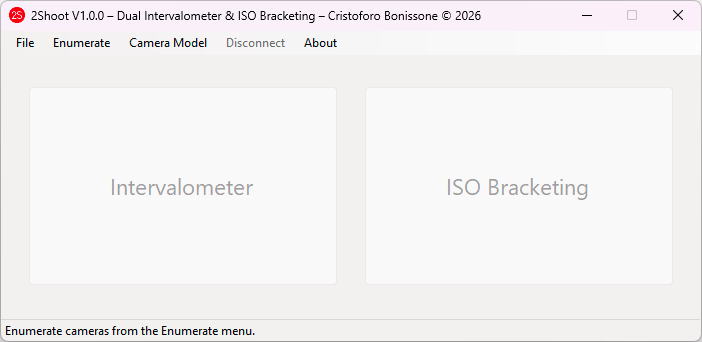
2Shoot Dual Intervalometer & ISO Bracketing is a lightweight Windows application designed for photographers who need reliable interval shooting and true ISO bracketing from a PC over Wi-Fi. The interface is intentionally simple: connect the camera > choose a controller > select the shooting parameters > start the sequence.
Main features
- Interval Mode and Duration Mode.
- 3, 5 or 9 shot ISO bracketing.
- 0.3 EV, 0.7 EV and 1.0 EV ISO steps.
- AF and MF operation.
- Live camera information for ISO, shutter and aperture.
- Automatic restoration of the original ISO after bracketing.
- Automatic destination-folder opening after a completed sequence.
- Portable Windows distribution.
Supported cameras
- Sony α1 (ILCE-1)
- Sony α7 IV (ILCE-7M4)
Getting Started
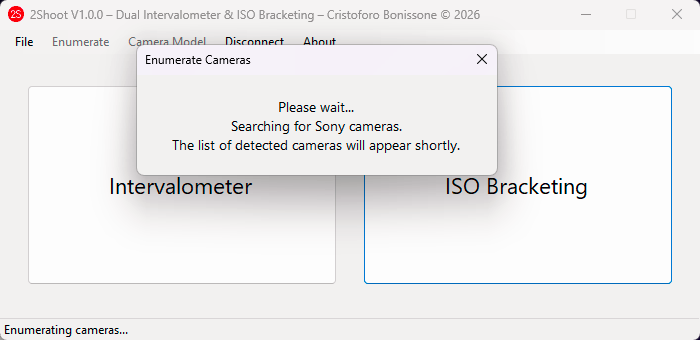
1. Enumerate cameras
Use the Enumerate command to search for supported Sony cameras. While enumeration is in progress, camera selection is temporarily disabled. A Windows notification sound confirms a successful camera discovery.
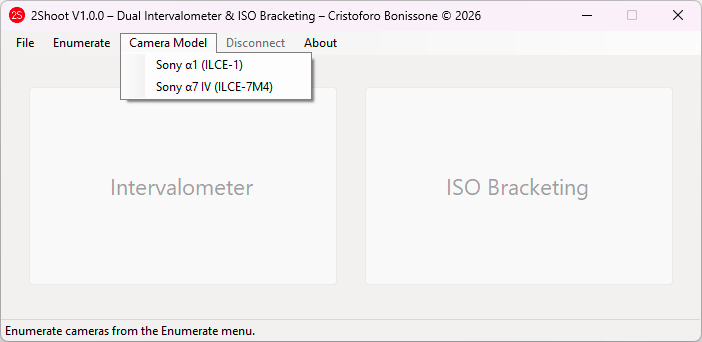
2. Select the camera model
Open Camera Model and select either Sony α1 or Sony α7 IV. The connection starts automatically.
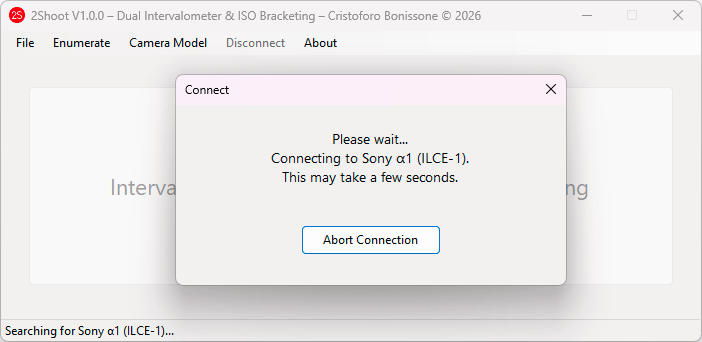
3. Automatic connection and retries
2Shoot Dual Intervalometer & ISO Bracketing can make up to three connection attempts: the first attempt plus two retries. The connection window includes an Abort Connection button in case the wrong camera was selected or you want to stop the operation.
4. Connected state
When the camera is connected, the Intervalometer and ISO Bracketing controllers become available.
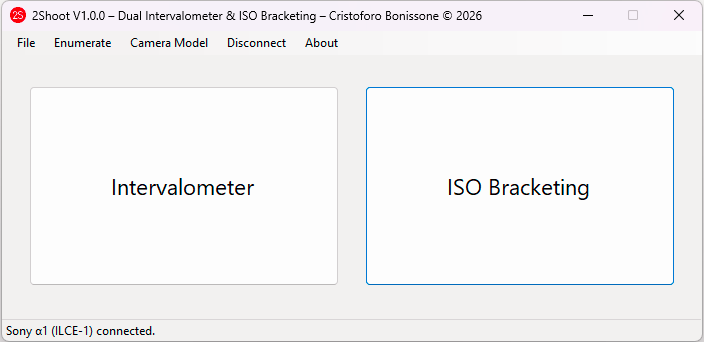
Intervalometer
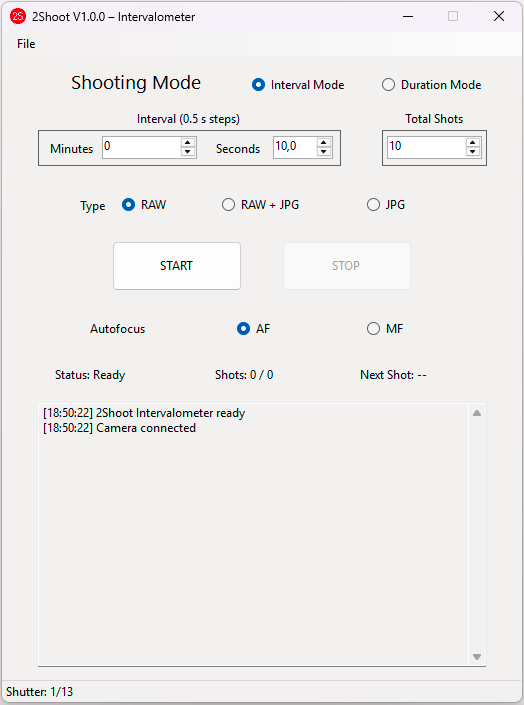
The Intervalometer provides two shooting modes. Interval Mode defines the delay between consecutive photographs. Duration Mode distributes the requested number of shots over a total duration.
- Time controls use 0.5 second steps.
- RAW, RAW + JPG and JPG operation.
- AF and MF shooting modes.
- Real shutter-speed monitoring for timing checks.
- Destination folder selected when START is pressed.
- After a successful sequence, 2Shoot Dual Intervalometer & ISO Bracketing waits about 2.5 seconds and then opens the destination folder.
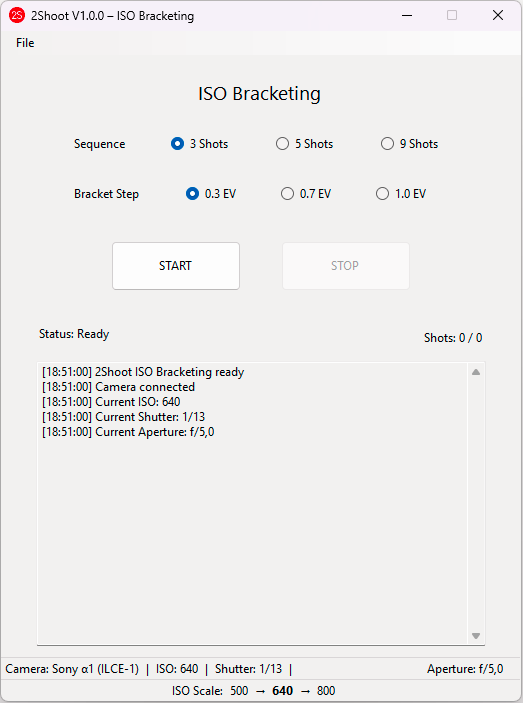
ISO Bracketing
ISO Bracketing creates a sequence of images at different ISO values while shutter speed and aperture remain unchanged. The current camera ISO is the center value of the sequence.
Sequence
- 3 shots
- 5 shots
- 9 shots
Bracket step
- 0.3 EV
- 0.7 EV
- 1.0 EV
Minimum bracket ISO is 100. The lower status bar displays the calculated ISO scale in real time, with the center ISO emphasized.
Sequence timing
- Initial autofocus pulse when AF is active.
- Wait approximately 0.7 seconds.
- Set the next ISO value.
- Wait approximately 1.0 second.
- Take the photograph.
- Wait for capture confirmation.
- Wait approximately 2.0 seconds before the next ISO.
- Restore the original ISO when the sequence finishes.
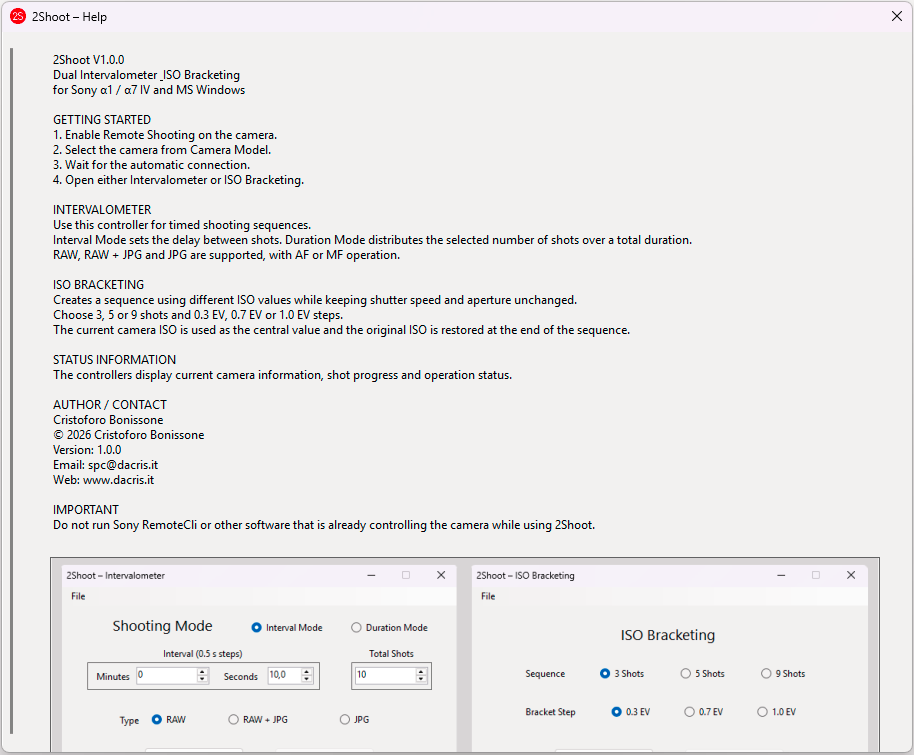
Help and About
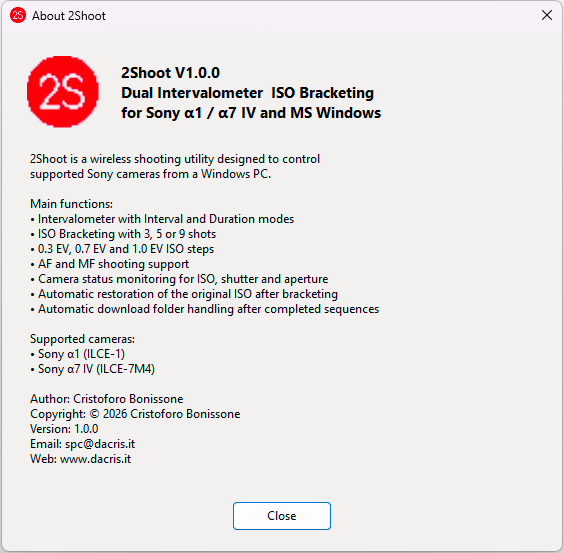
2Shoot Dual Intervalometer & ISO Bracketing includes built-in Help and About windows. The Help window provides a quick operating reference, while About contains version information, supported cameras, author details and contact information.
Author and contact
Cristoforo Bonissone
Email:
spc@dacris.it
Web:
www.dacris.it
Download
Download the portable Windows package together with the user guide and proprietary freeware license.
2Shoot Dual Intervalometer & ISO Bracketing
Windows 64-bit portable edition. No traditional installer is required.
Download 2Shoot Dual Intervalometer & ISO BracketingAlternative Download (OlderGeeks)
Alternative Download (Mirror 2)